Decide what you can serve reliably
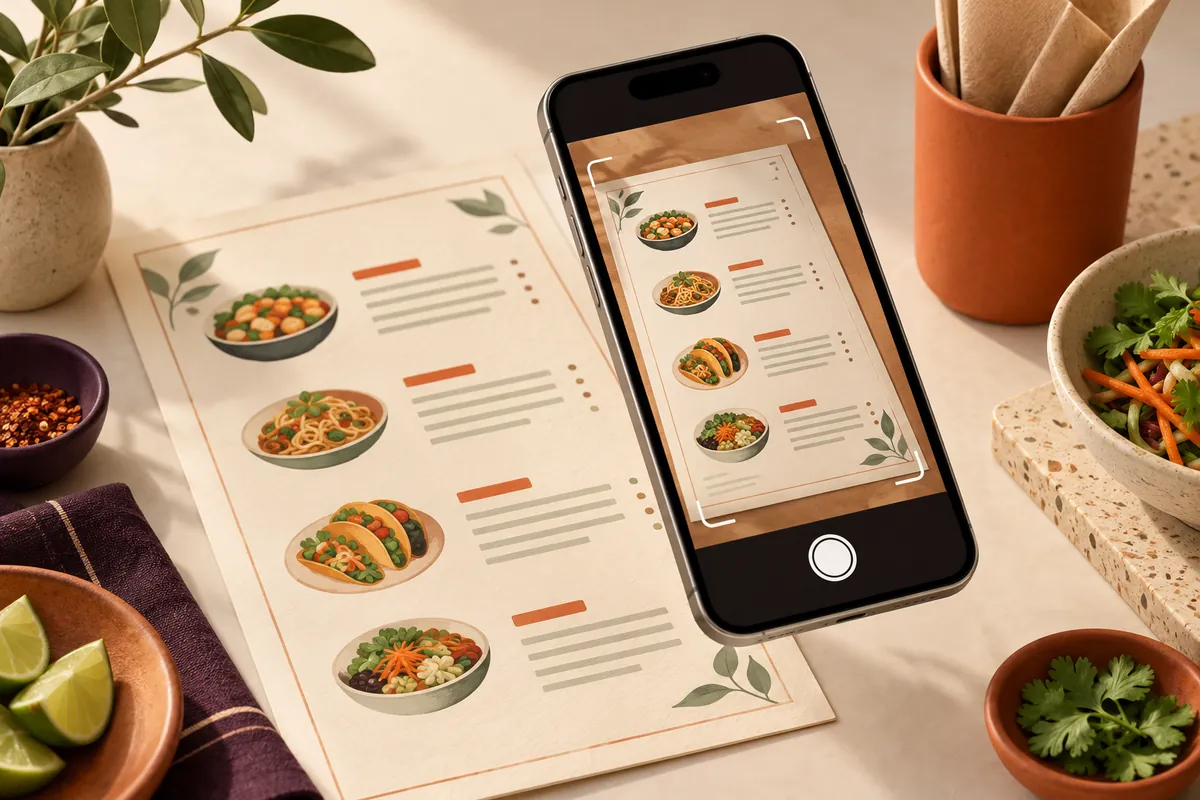
Start with dishes that your kitchen can prepare and pack consistently alongside the service you already run. A smaller, accurate menu is easier to launch than a full menu containing items that are difficult to carry or unavailable on busy nights.
Write down collection hours, the last order time, an initial preparation-time range and who can change those arrangements during service. Treat a Saturday rush differently from a quiet weekday. Do not promise a collection time just because it looks attractive on the website.
- Confirm sizes, extras and meal-deal choices.
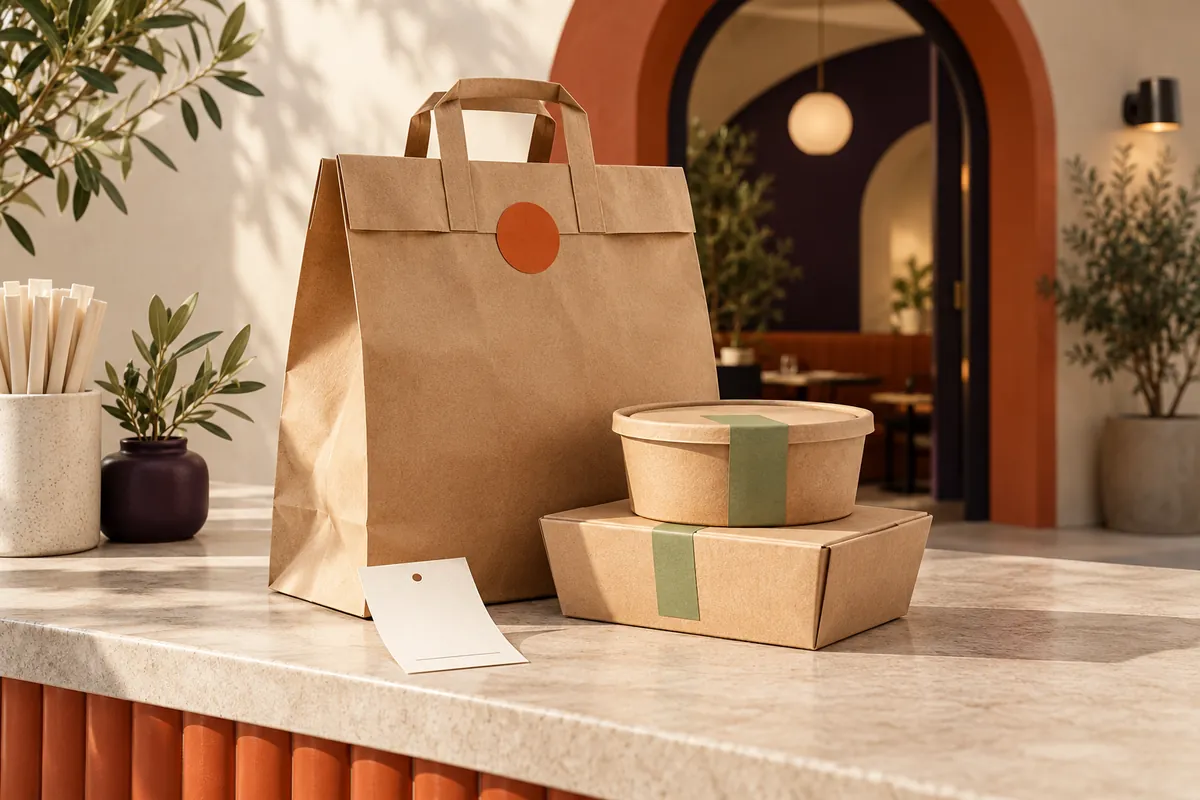
- Check packaging for each dish and combination.
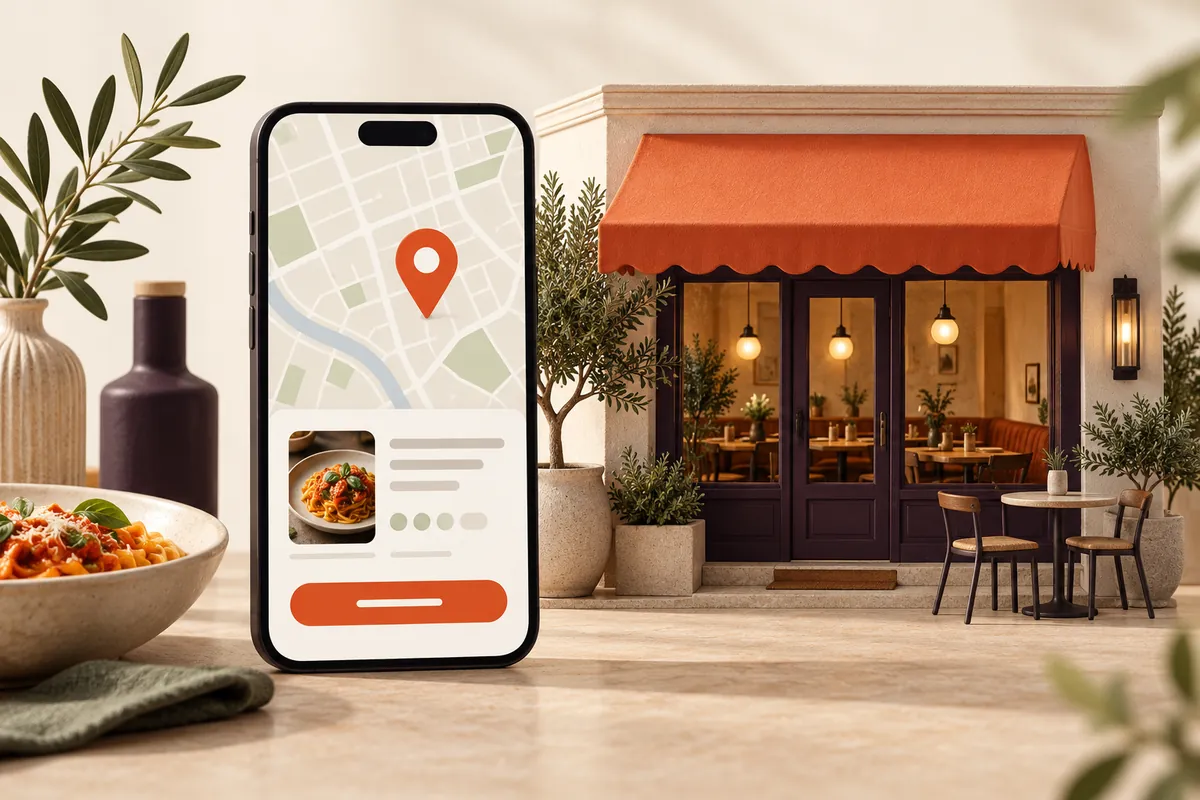
- Make the restaurant address and collection entrance clear.
- Decide what happens if an item sells out after an order arrives.
Give every order a clear owner
Agree who notices a new order, who checks it, who prepares it and who hands it over. In a small team, one person may cover several jobs, but the responsibility should still be explicit. Keep the terminal where staff can see and hear it during a real service.
Choose an order reference that staff can match to the packed food. Keep hot and cold components together in the handover process, even if they are stored separately. Before handing over, check the reference and the complete bag contents rather than relying on a name alone.
Write a one-page service note: new-order owner; kitchen handover; packing check; collection point; late customer; missing item; equipment or internet problem.
Run through the awkward cases
A launch test should include more than one plain meal. Work through a modifier, a meal deal, a cancelled item and two orders arriving close together. Check that staff can read the order and know how to ask for help. Arrange a synthetic or agreed test with your supplier so you do not accidentally trigger a real fulfilment or payment process.
Walk the collection route yourself: from the street, to the entrance, to the counter. A customer should not have to interrupt a seated guest or guess whether to queue. Make the collection instructions match what staff actually say.
Check terminal power, connectivity and paper at the start of service. Decide who contacts support and what customers will be told if the system is unavailable. Do not advertise a fallback process that the team has never rehearsed.
Launch in a way you can learn from
Begin with a service window the team can manage. Put the ordering link on your own website and relevant customer-facing material after the launch has been confirmed. Use the same clear wording and destination across those touchpoints.
At the end of the first few services, review late collections, missing items, customer questions and staff workarounds. Record what happened instead of relying on impressions. Update the menu, instructions or staffing before promoting more widely.
The offer from tastie. includes menu setup, a free SUNMI V2 or V3 terminal and free printer paper, with arrangements confirmed during onboarding. Explore online ordering for your takeaway, or send a setup enquiry. Applying does not instantly activate ordering.